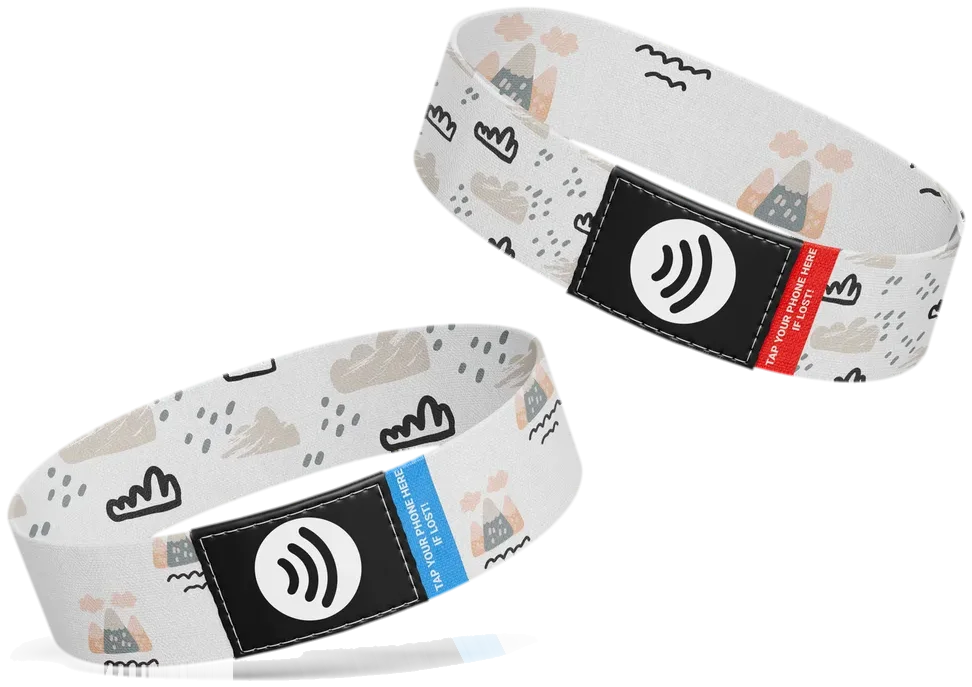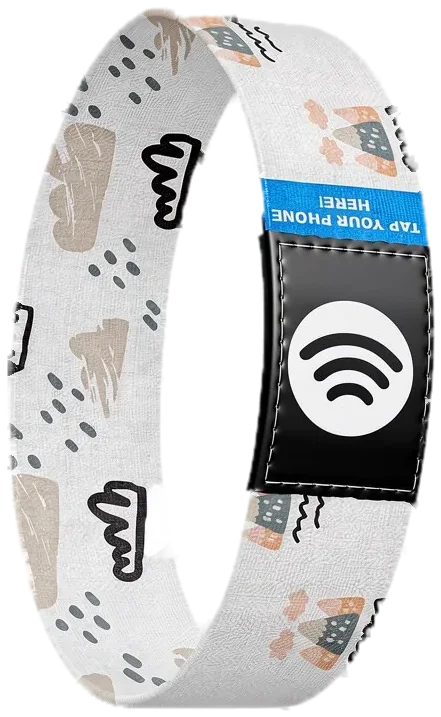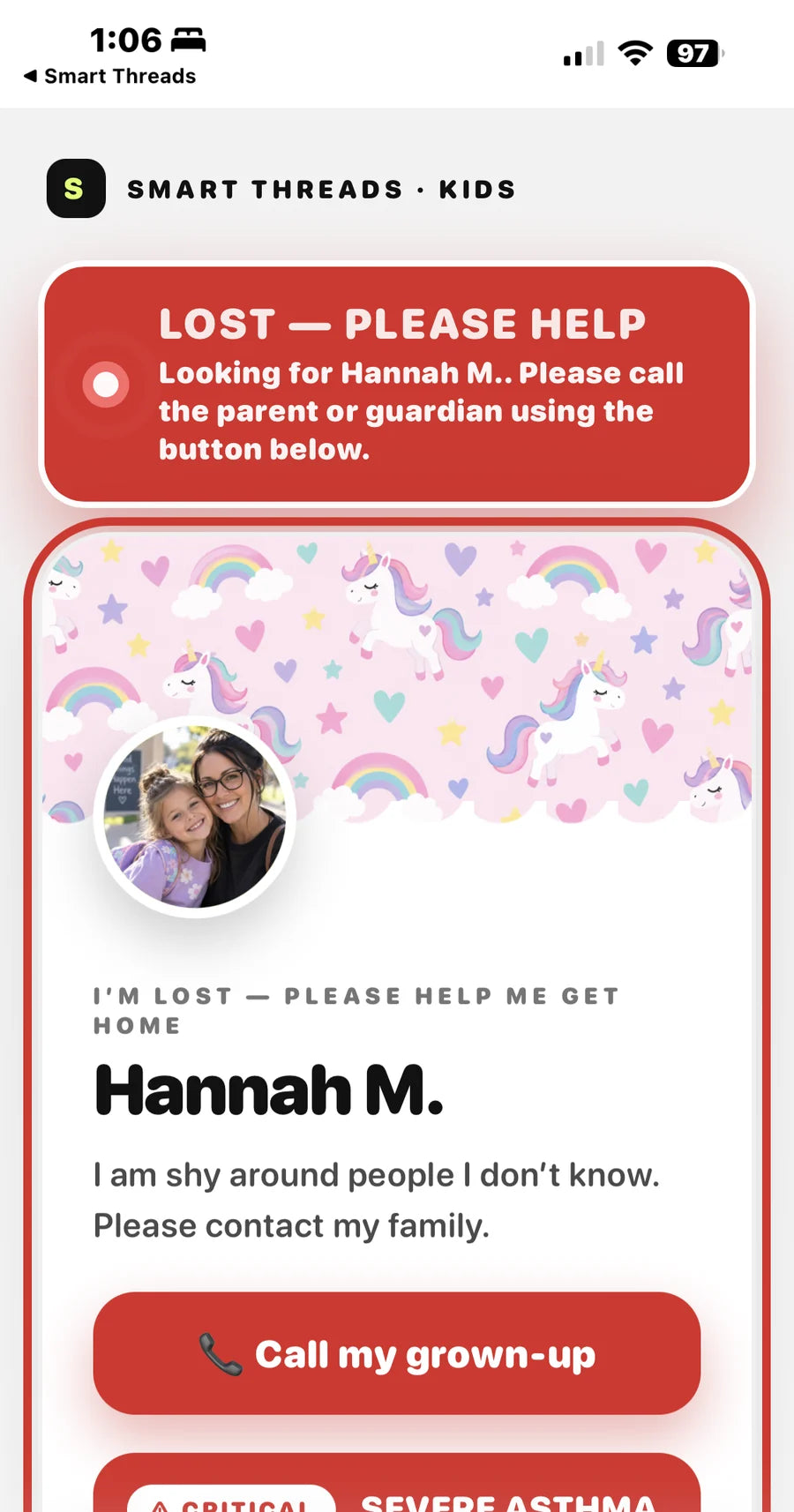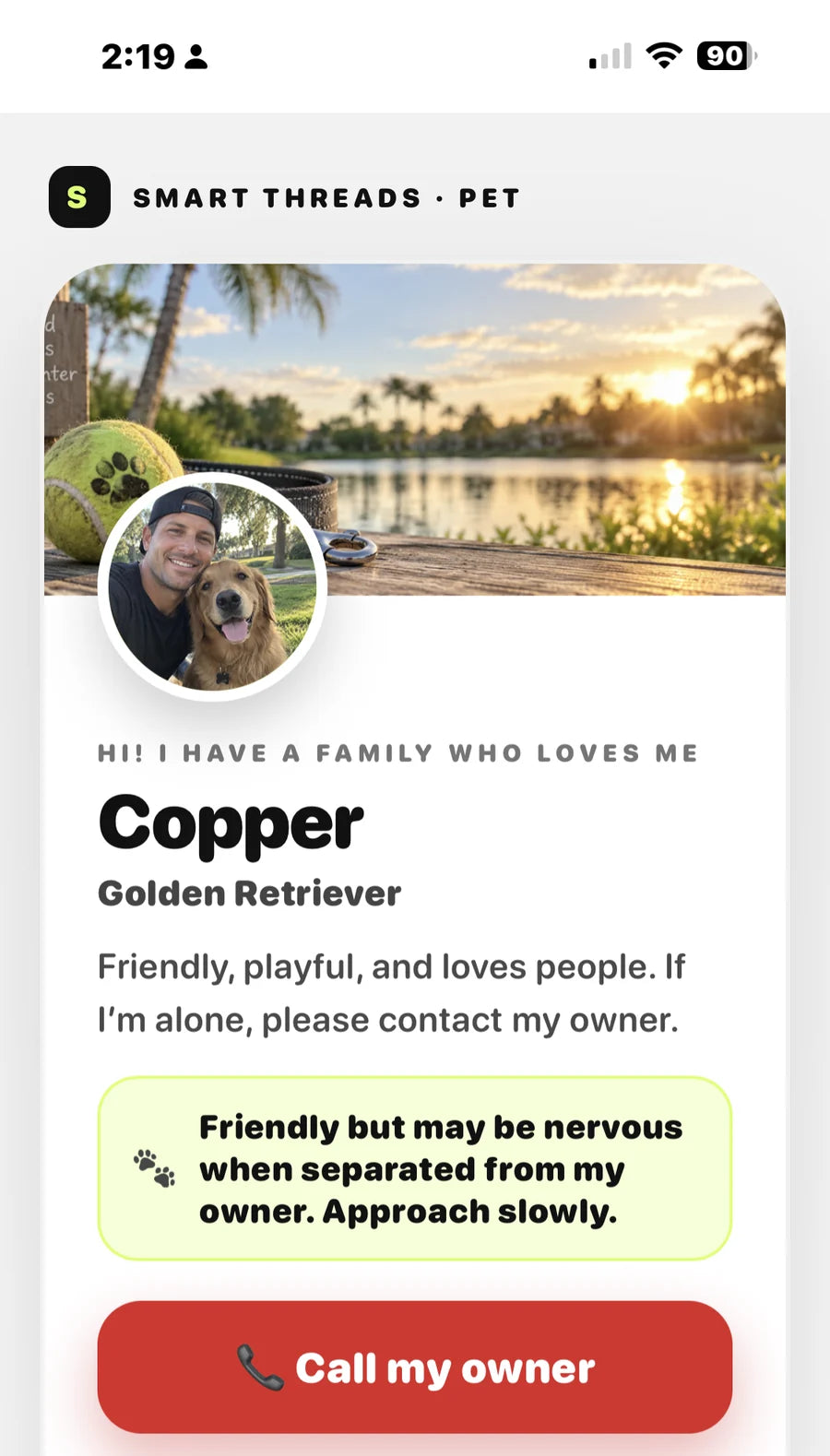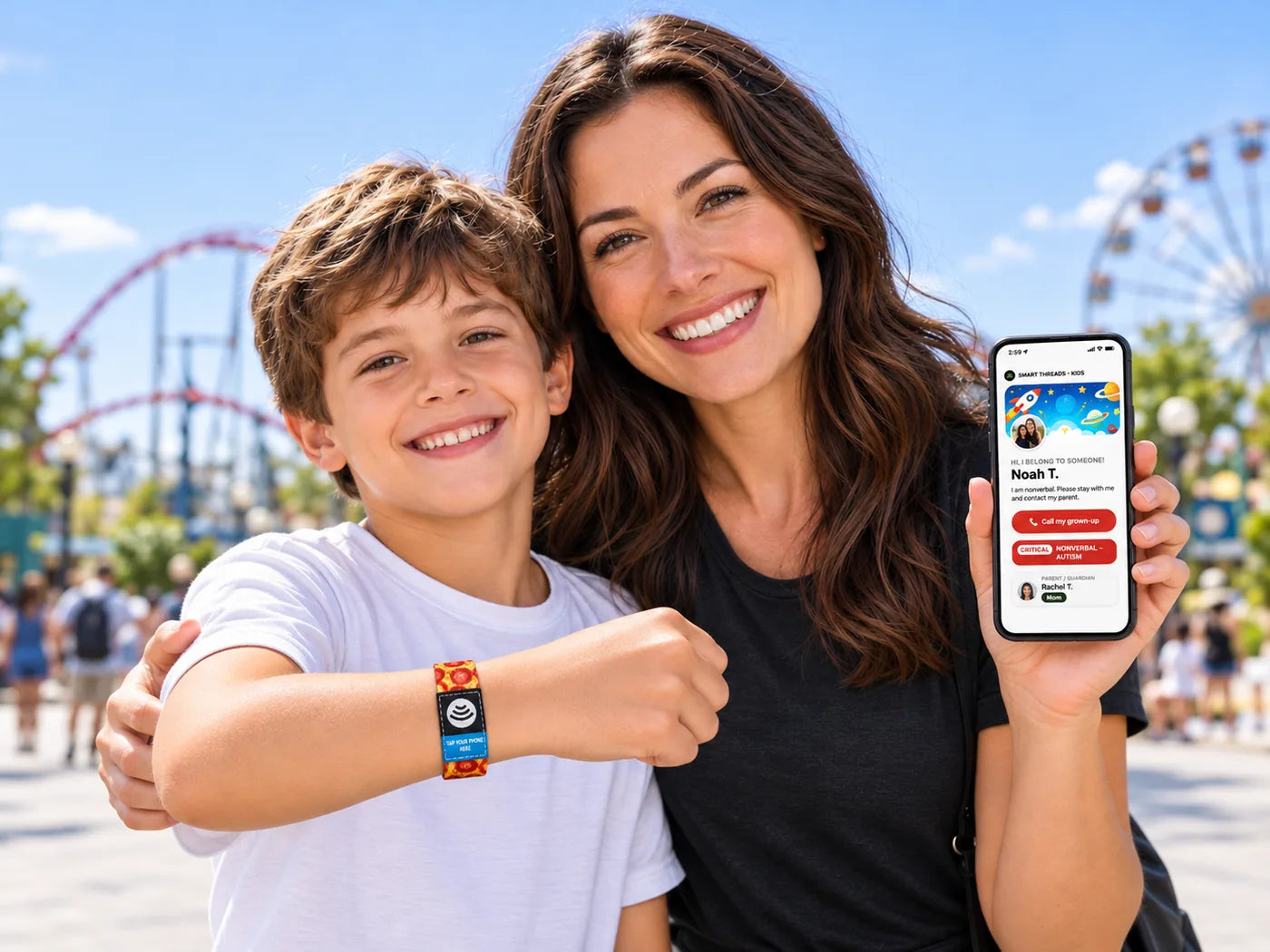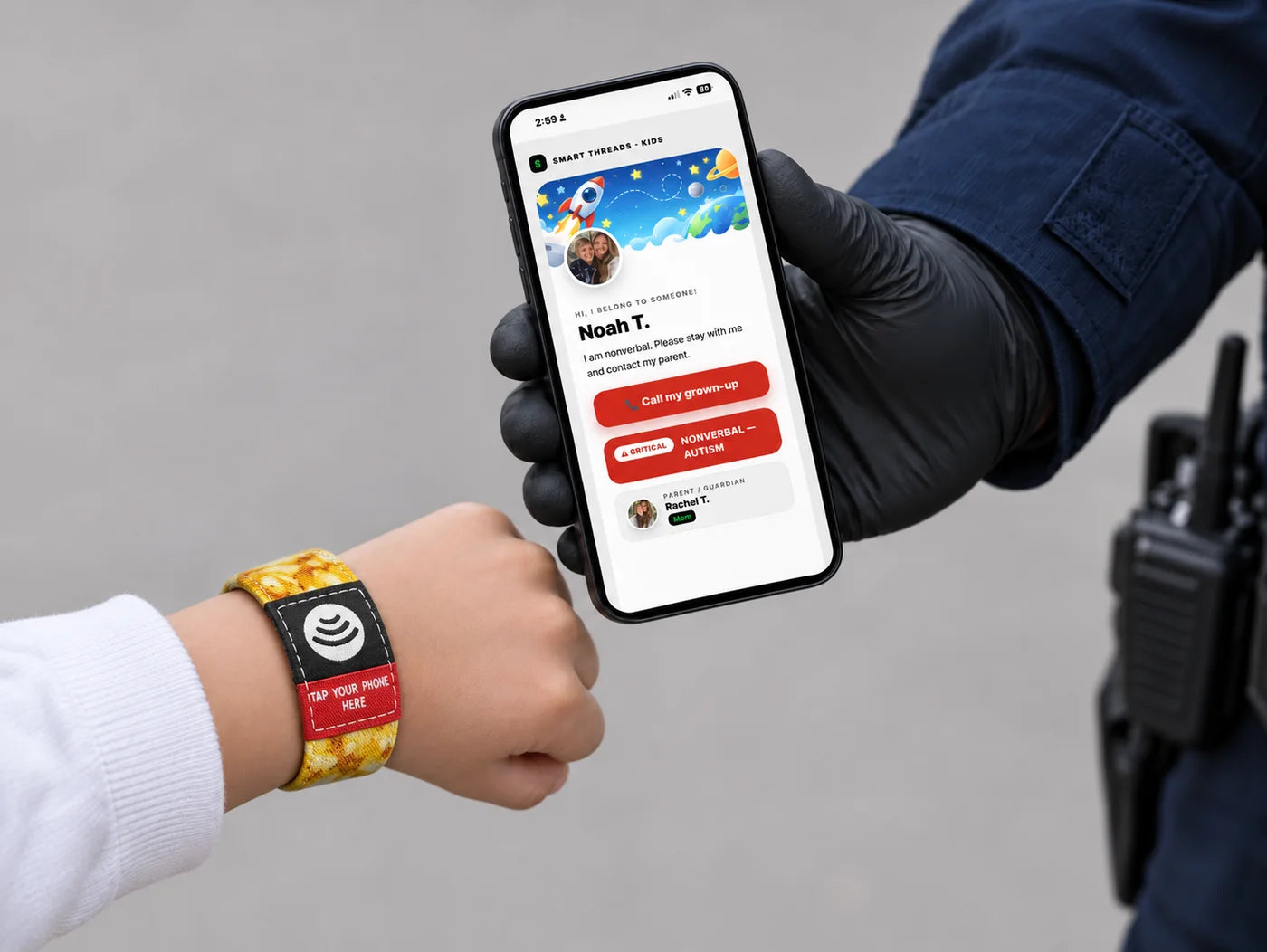

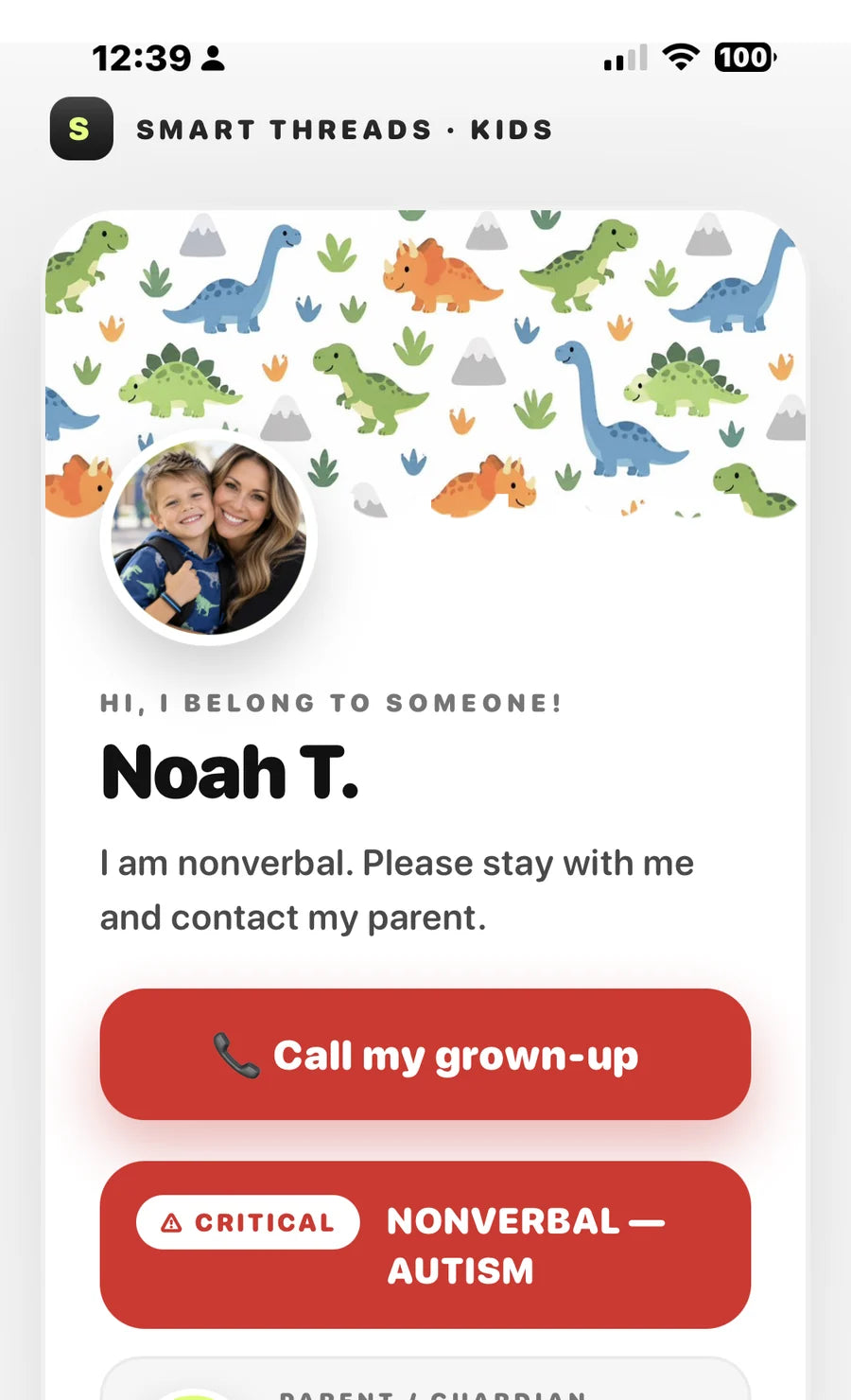
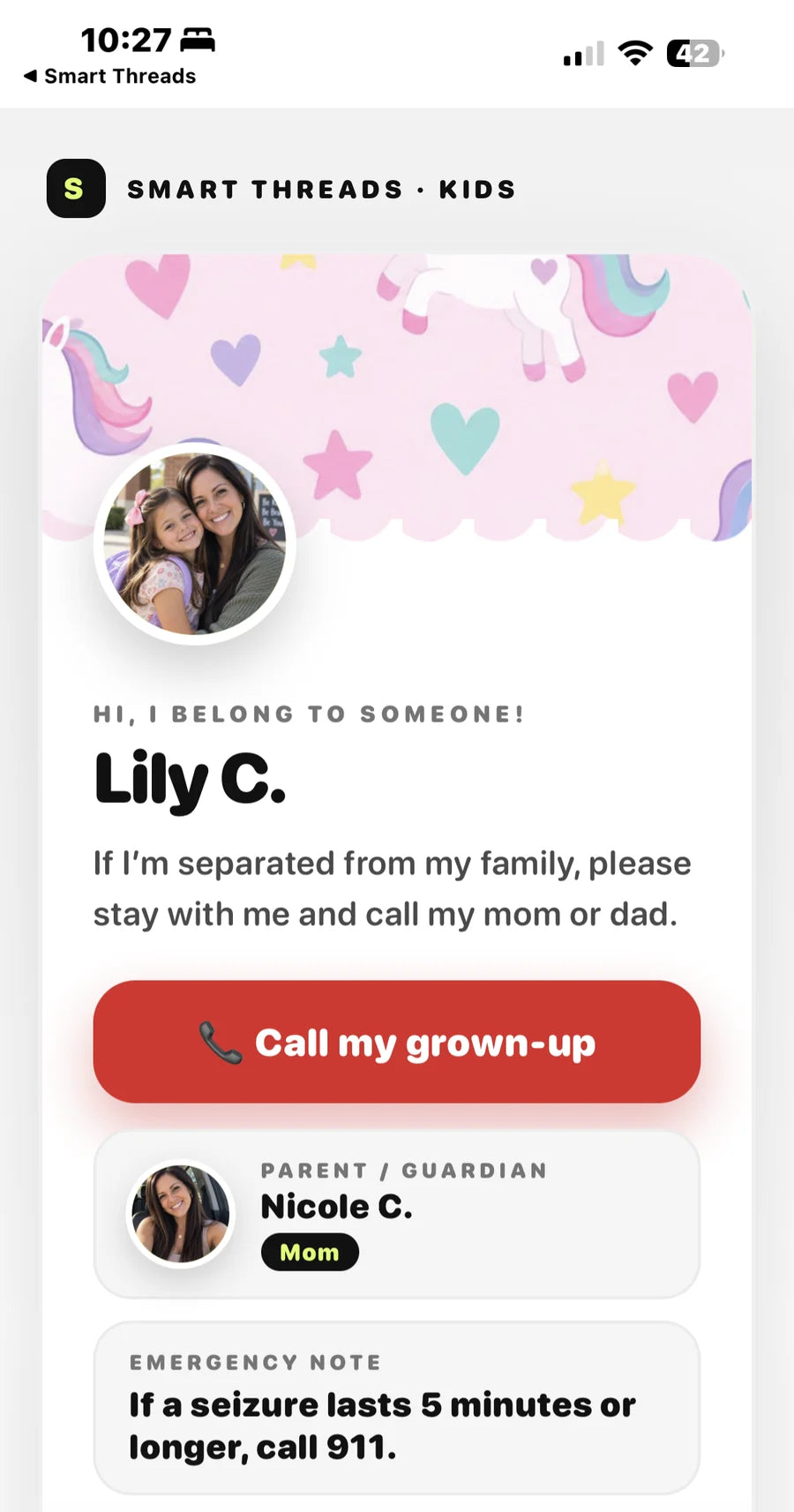
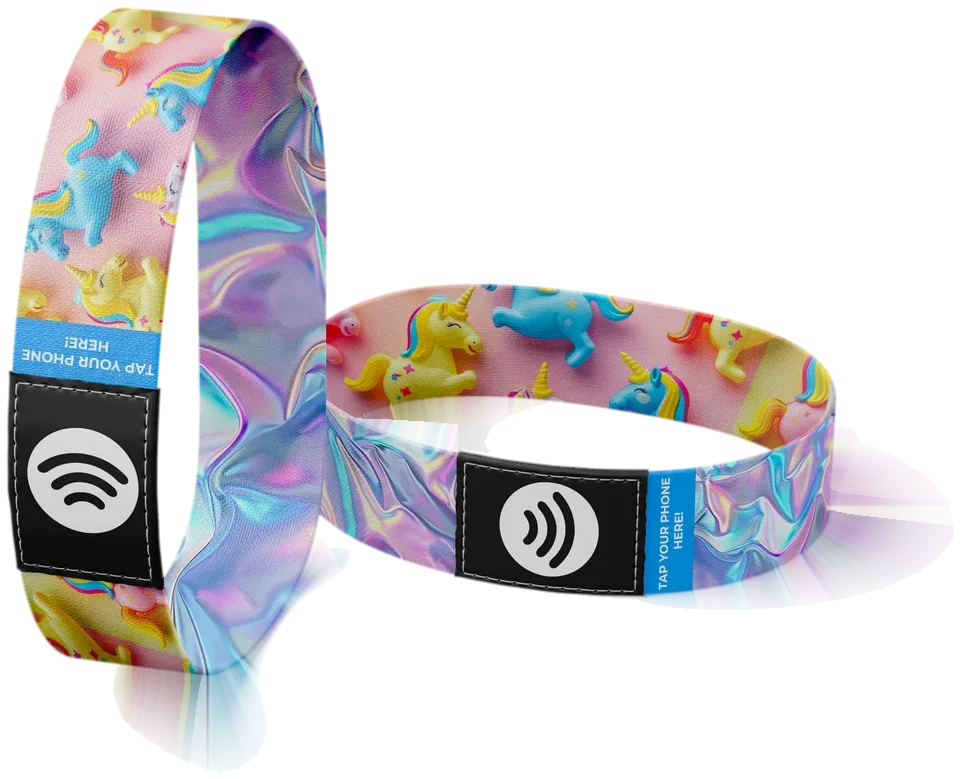

HI, I BELONG TO SOMEONE!
Lilly K.
Call my grown-up⚠ CRITICALNonverbal
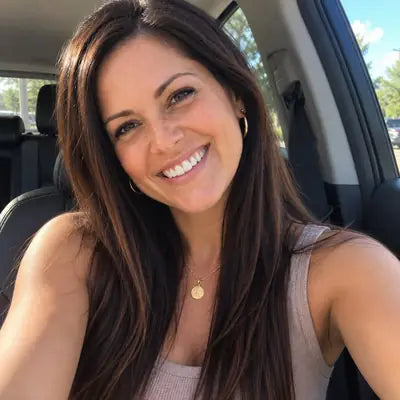
PARENT / GUARDIAN
Rachel K.
Mom
Found Lilly K.?
Share where you are so the family can find you. In this sample, your location stays on your device.
Location is blocked for this site. To turn it on:
• iPhone (Safari): tap the AA or ⋯ icon in the address bar → Website Settings → Location → Allow. Also check Settings → Privacy & Security → Location Services → Safari Websites.
• Android (Chrome): tap the 🔒 / ⓘ icon by the address bar → Permissions → Location → Allow, then reload.
Or simply call the family using the button above and describe where you are.
• iPhone (Safari): tap the AA or ⋯ icon in the address bar → Website Settings → Location → Allow. Also check Settings → Privacy & Security → Location Services → Safari Websites.
• Android (Chrome): tap the 🔒 / ⓘ icon by the address bar → Permissions → Location → Allow, then reload.
Or simply call the family using the button above and describe where you are.
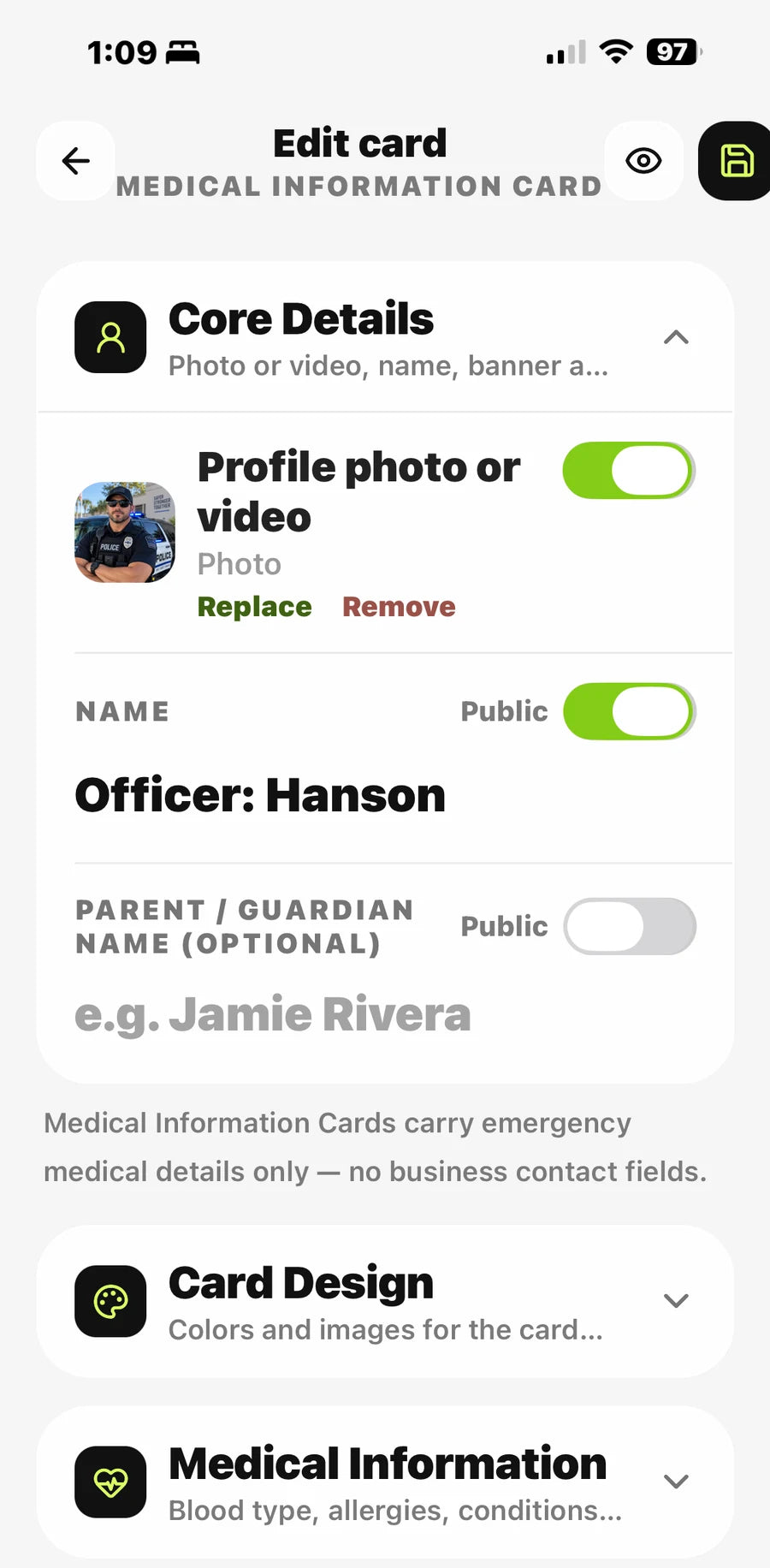
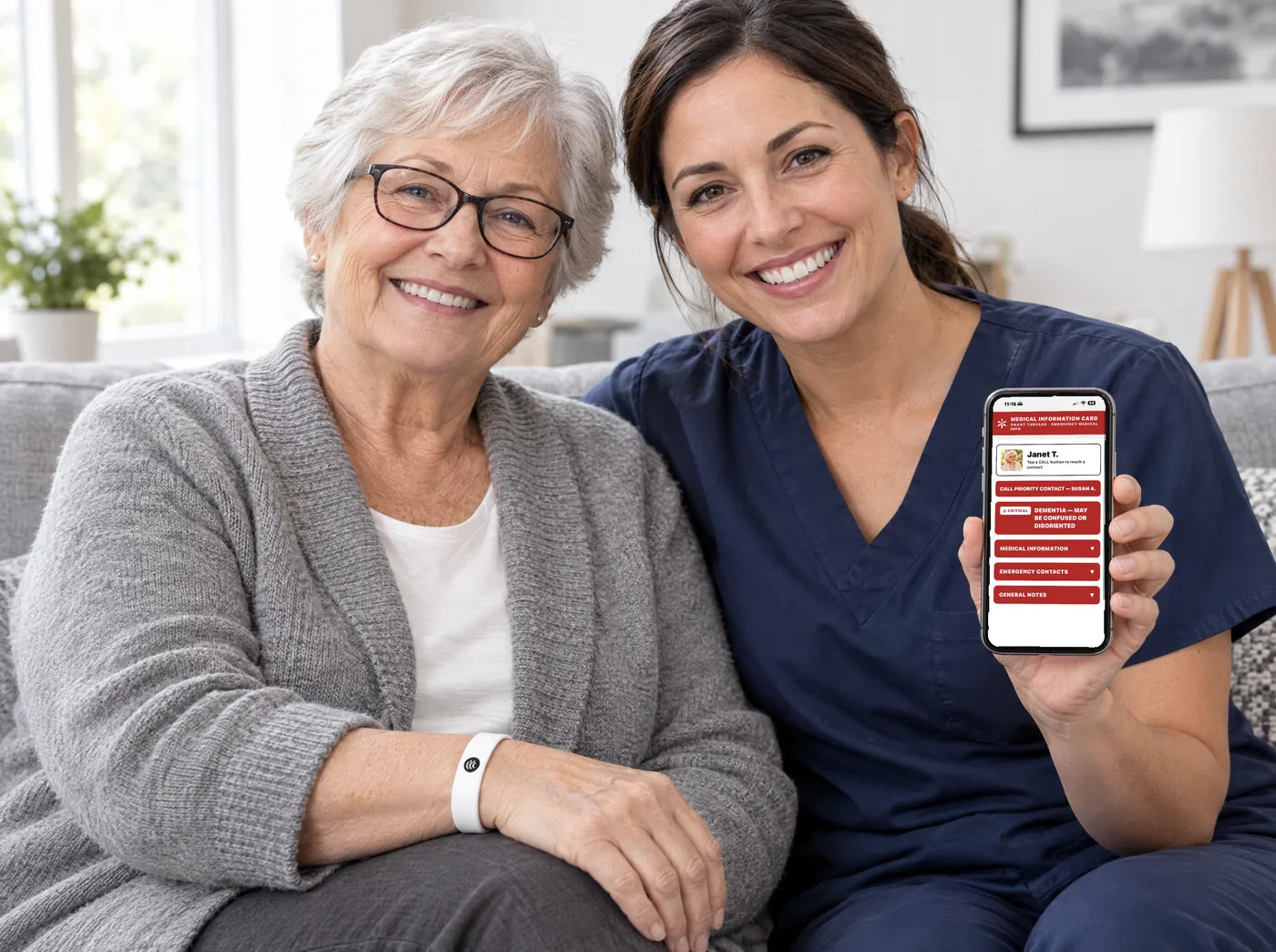
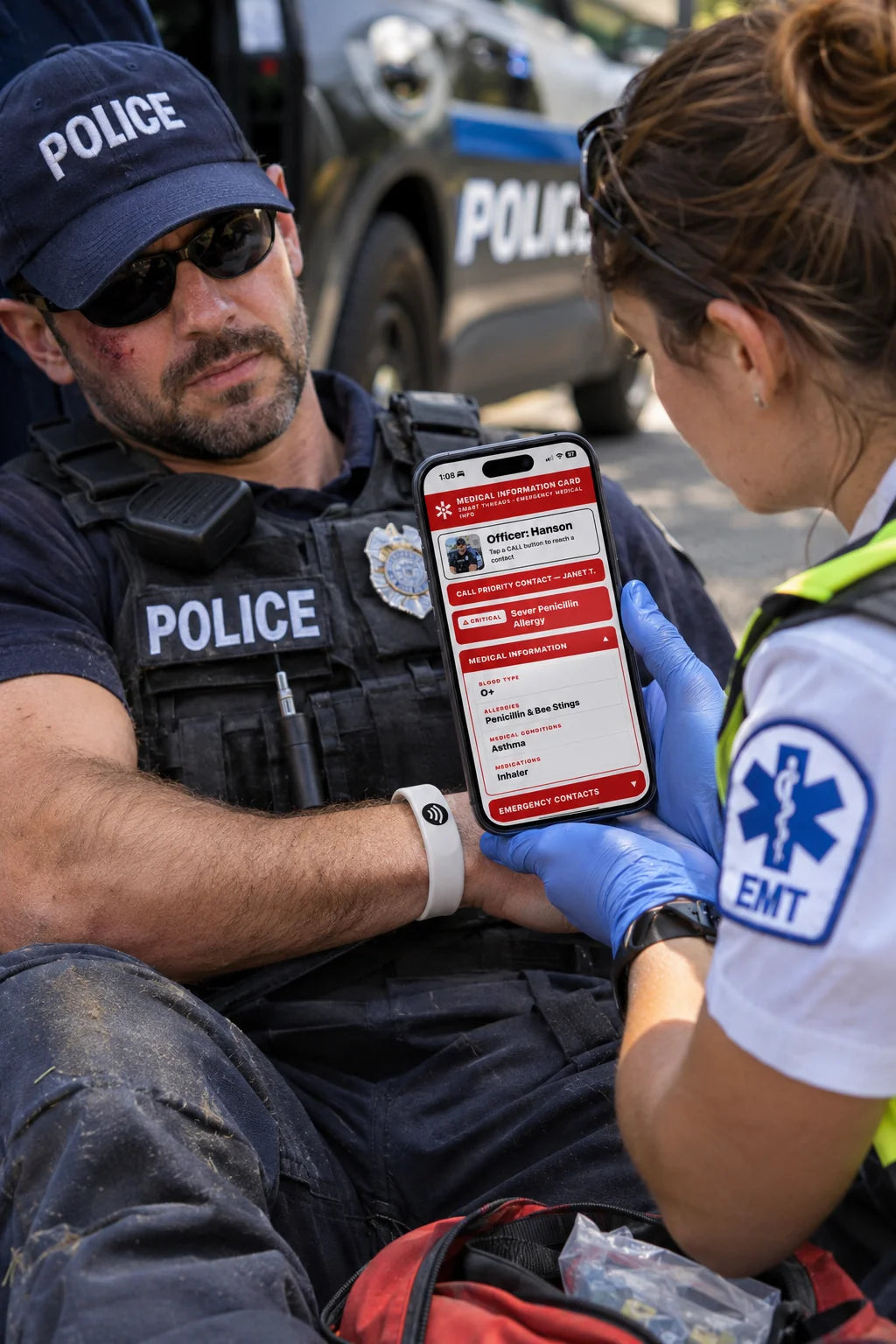
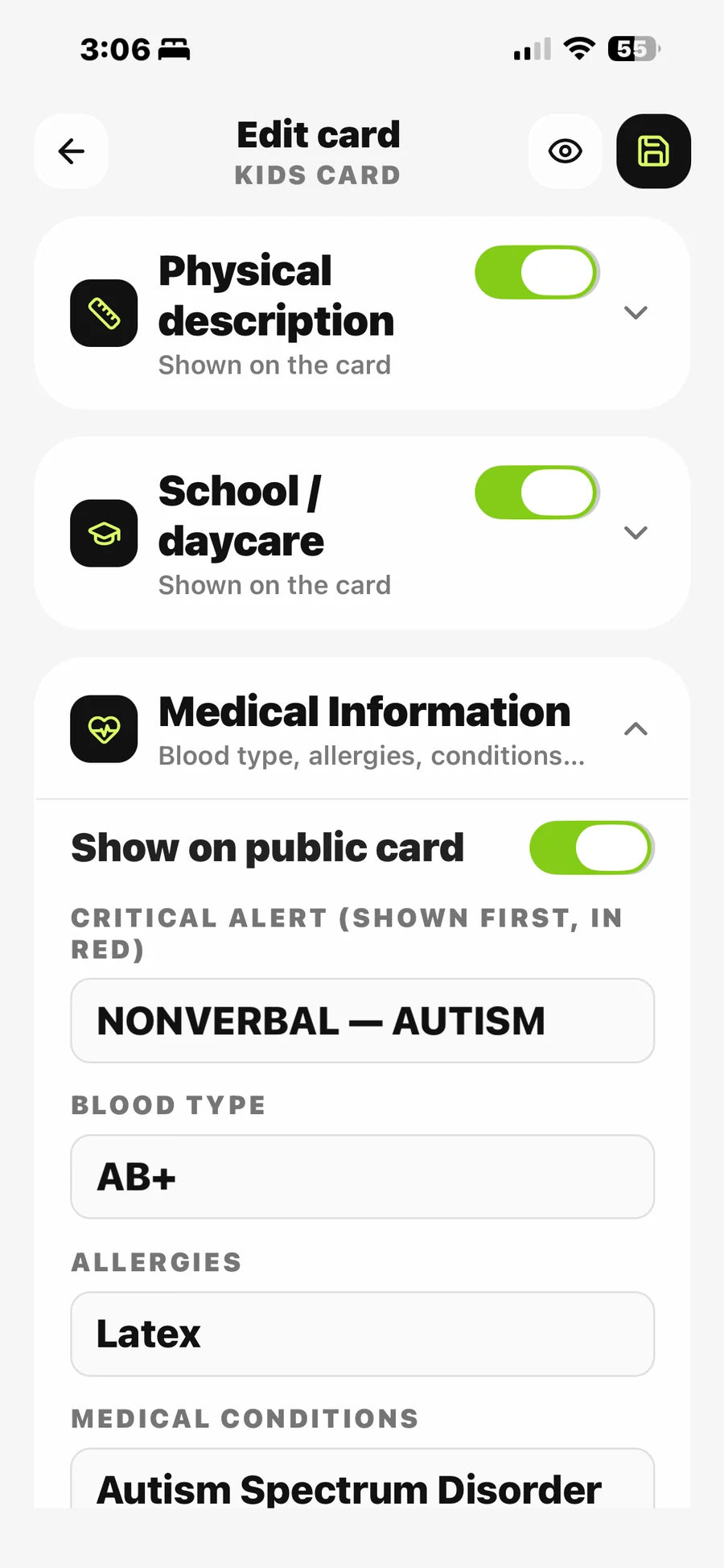
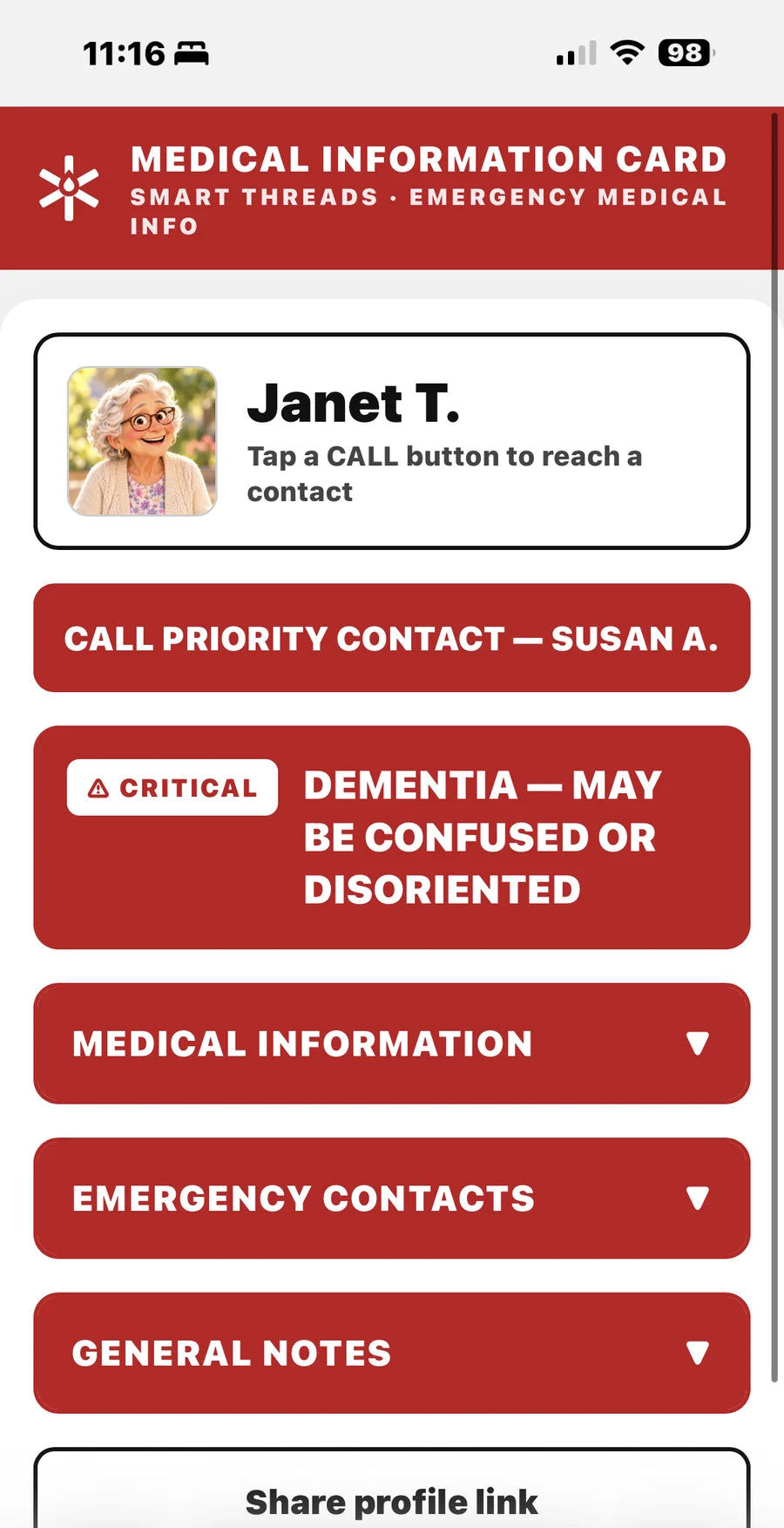
MEDICAL INFORMATION▼
BLOOD TYPEO-
ALLERGIESBee Stings
CONDITIONSAsthma
MEDICATIONSInhaler
EMERGENCY CONTACTS▼
IN PRIORITY ORDER


PHYSICAL DESCRIPTION▼
HEIGHT3 ft
HAIR COLORLight Brown
DISTINGUISHING MARKSCurly Hair, Brown Eyes
SCHOOL / DAYCARE▼
GENERAL NOTES▼
Inhaler is in her backpack
Found this explorer without a grown-up? Use the call buttons on this sample card — they dial the numbers set for this demo. Location and photos in this sample stay on your device.